



Best hours to mail or post your users

Source :http://blog.hubspot.com/Portals/249/images/science-of-social-timing-part-2-resized-600.jpg
Apps for timeline
Iframe Apps | FAQ 0.1
Install iframe Apps
Choose page to set up.
Edit html or Add embed link
-Edit Html method

-Embed Link method
Your Tab URL must be relative to your Canvas Page and therefore your Canvas URL. Using our previous Canvas Page and Canvas URL settings would results in Facebook loading content from « http://www.example.com/canvas/tab. »
As with a Canvas Page, the amount of space available to your app is bounded by the outer context of Facebook. Since your app is also loaded inside of Facebook Page, the space is smaller (520 pixels) than what is available to on a Canvas Page.
Install a fan gate option
Custom Page Tabs
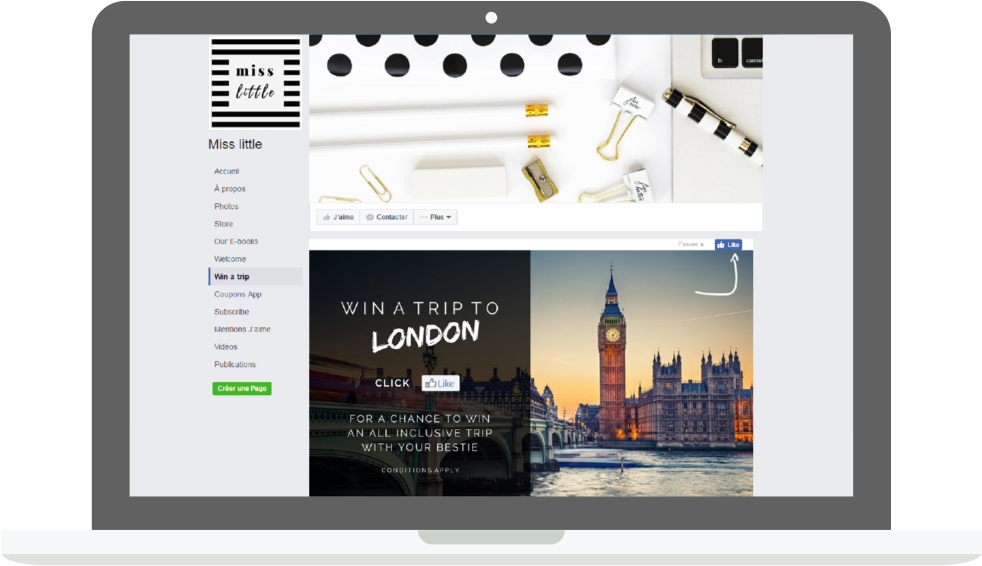
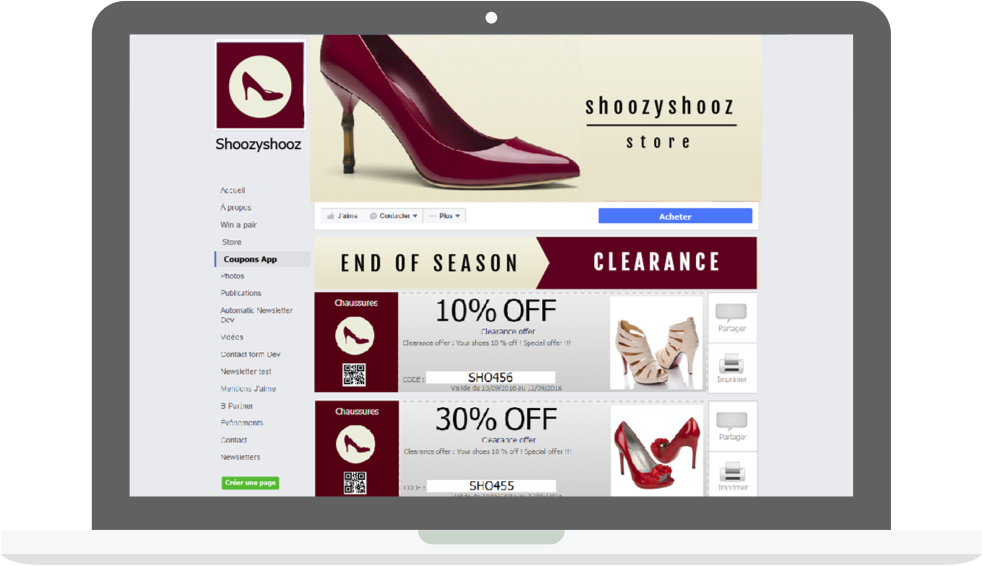
Now fan pages move to new timeline, of course iframe apps is compatible.
Check new timeline design requirements!
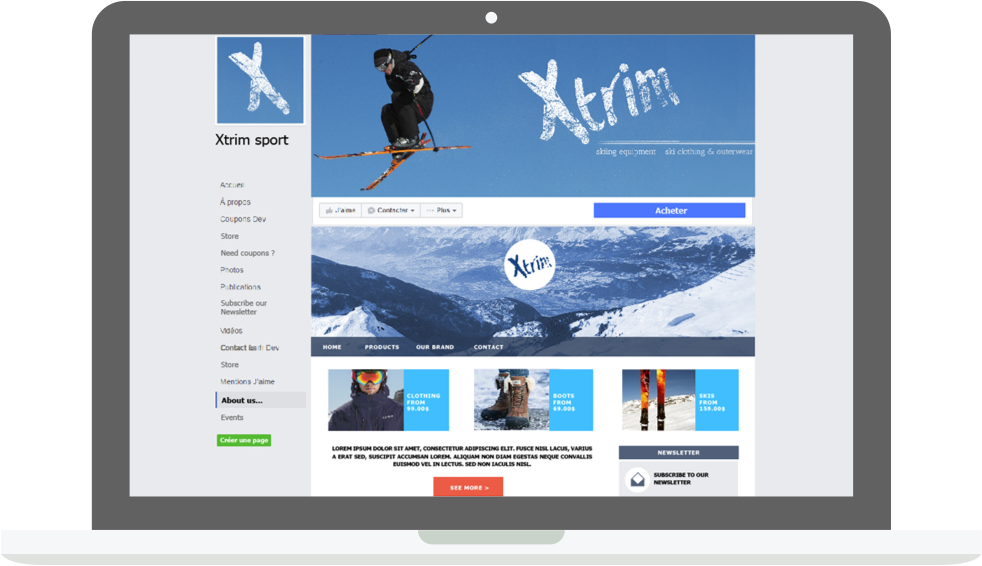
Facebook Pages are a heavily used feature of Facebook. Major brands, celebrities, etc. use Facebook Pages as their « social home » on the web. One of the most interesting features of Apps on Facebook.com is the ability for your app to be used within the context of a Facebook Page. You can find a great example of this kind of integration on the Coca-Cola Page.
In order to enable this feature, you need to specify a Tab Name and a Tab URL (much like you provided a Canvas Page and Canvas URL previously) that is loaded when the user selects your Tab on a given Facebook Page. If you support HTTPS traffic, also specify Secure Tab URL. Users browsing in HTTPS will be unable to use your tab if this URL is empty. You can find these settings in the « Facebook Integration » section of the Developer App.

Your Tab URL must be relative to your Canvas Page and therefore your Canvas URL. Using our previous Canvas Page and Canvas URL settings would results in Facebook loading content from « http://www.example.com/canvas/tab. »
As with a Canvas Page, the amount of space available to your app is bounded by the outer context of Facebook. Since your app is also loaded inside of Facebook Page, the space is smaller (520 pixels) than what is available to on a Canvas Page.
Facebook Page administrators can add your app directly to their Page by navigating to your app’s Profile Page and selecting « Add to my Page ».
When a user navigates to the Facebook Page, they will see your Page Tab added in the next available tab position. Broadly, a Page Tab is loaded in exactly the same way as a Canvas Page. When a user selects your Page Tab, you will received the signed_request parameter with one additional parameter, page. This parameter contains a JSON object with an id (the page id of the current page), admin (if the user is a admin of the page), and liked (if the user has liked the page). As with a Canvas Page, you will not receive all the user information accessible to your app in the signed_request until the user authorizes your app.
In addition, your application will also receive a string parameter called app_data as part of signed_request if an app_data parameter was set in the original query string in the URL your tab is loaded on. For the Shop Now link above, that could look like this: « https://www.facebook.com/YourPage?v=app_1234567890&app_data=any_string_here ». You can use that to customize the content you render if you control the generation of the link.
How to create a facebook application
You want to make a facebook app, or custom your facebook fan page! Here, you’ll find all informations about making a great application for your business!
1- Start create a new app for facebook.
https://developers.facebook.com/
2- Set up your app
3- Config your url
4- Get your api Keys
5- Tools and API
Social Plugins
Social Plugins enable you to provide engaging social experiences to your users with just a line of HTML. Because the plugins are served by Facebook, the content is personalized to the viewer whether or not they have signed into your site.
Graph API
The Graph API is the core of Facebook Platform, enabling you to read and write data to Facebook. It provides a simple and consistent view of the social graph, uniformly representing objects (like people, photos, events, and pages) and the connections between them (friendships, likes, and photo tags).
Social Channels
Facebook Platform lets you integrate with social channels such as News Feed and Requests to help you drive growth and engagement with your app, site or content.
Authentication
Facebook authentication enables your app to interact with the Graph API on behalf of Facebook users and provides a powerful single-sign on mechanism across Web, mobile, and desktop apps.
Open Graph protocol
The Open Graph protocol enables you to integrate your pages into the social graph. These pages gain the functionality of other graph objects including profile links and stream updates for connected users.
Dialogs
Dialogs provide a simple, consistent interface to display dialogs to users. Dialogs do not require special user permissions because they require user interaction. Dialogs can be used in any type of application, whether on Facebook.com, a website, or a mobile application.
FQL
Facebook Query Language, or FQL, enables you to use a SQL-style interface to query the data exposed by the Graph API. It provides for some advanced features not available in the Graph API, including batching multiple queries into a single call.
Internationalization API
Facebook is currently available in over 70 languages, thanks to a framework that allows our user community to translate the text on Facebook. By integrating with Facebook, you can take advantage of our Translations framework immediately, so you can enjoy the benefits that translation can bring to your Platform application or website.
Credits API
The Facebook Credits API enables a user to use credits as a method for purchasing digital and virtual goods within your app.
Ads API
The Facebook Ads API lets you create and manage your own ads on Facebook programmatically, without using the Facebook Advertising Manager tool.
This API is available as part of a limited beta program and is subject to change. If you’re interested in participating in the beta test, please contact your Facebook Advertising Account Manager. If you don’t have a Facebook Advertising Account Manager yet, you can request support at here.
Chat API
You can integrate Facebook Chat into your Web-based, desktop, or mobile instant messaging products. Your instant messaging client connects to Facebook Chat via the Jabber/XMPP service. This document describes the features and limitations of Facebook Chat’s XMPP protocol for the developer who intends to implement a Facebook Chat client.
5- Submit Your application
6-Promote
- Dialogs